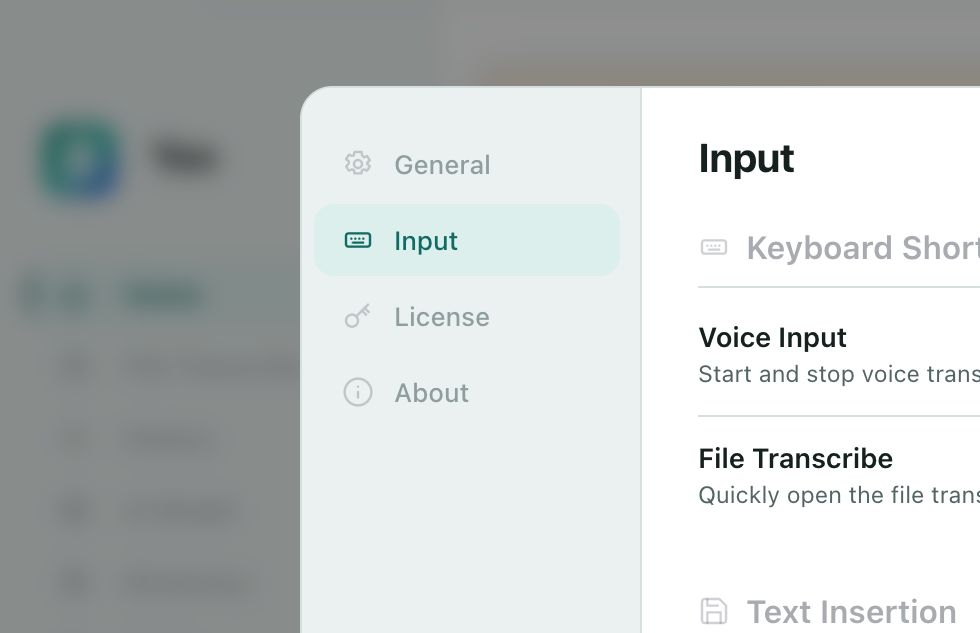
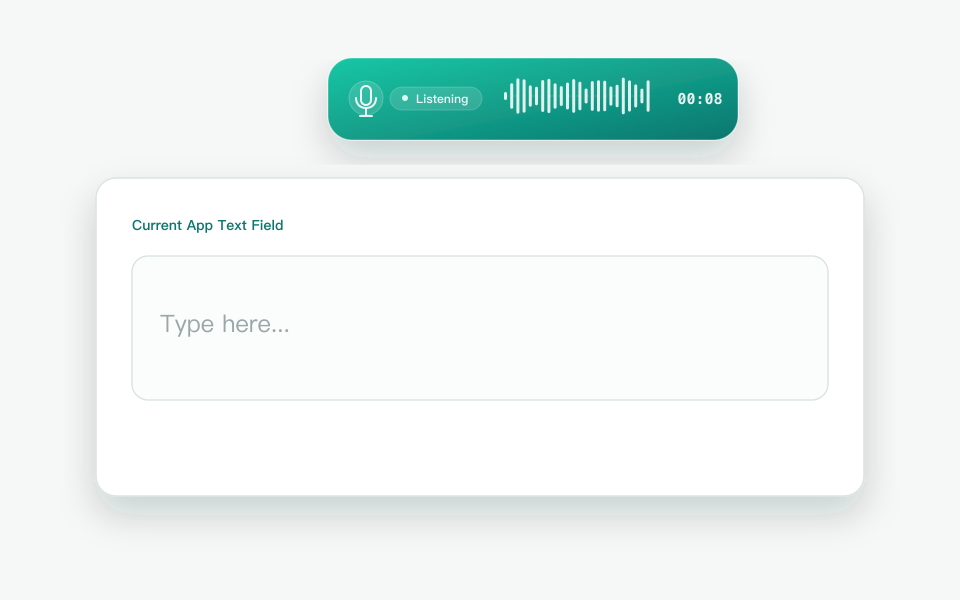
Start voice input with a shortcut without leaving the app you are using, so your train of thought stays uninterrupted.
See Text as You Speak
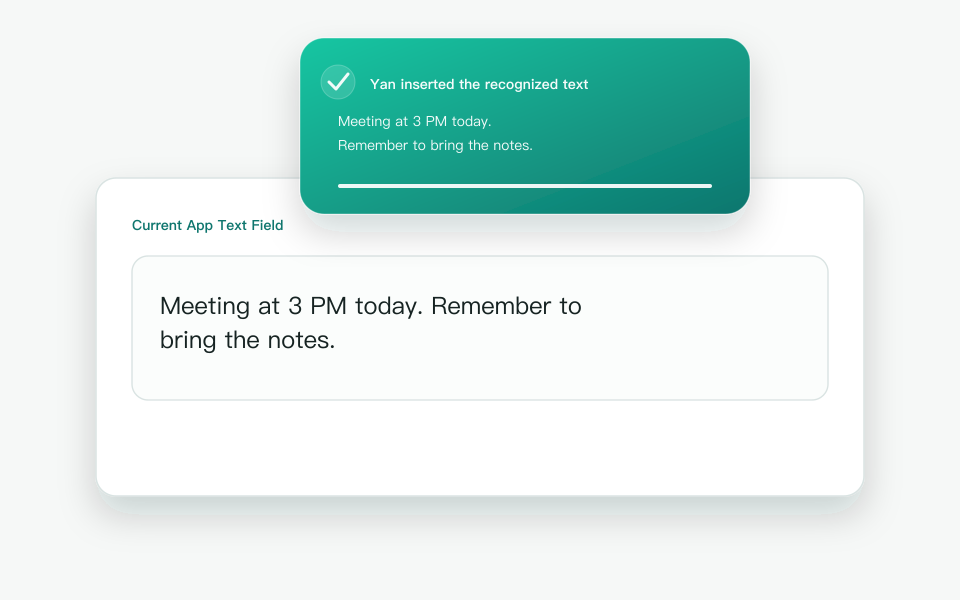
Watch the text take shape as you speak, keeping your words in step with your thoughts.
Works Across Your Desktop Apps
Use voice input naturally across writing, editing, and communication apps.
Start Voice Input in Three Steps
Set your shortcut once, then start voice input whenever you need it.
01 · Set a Shortcut
Choose a convenient shortcut that does not conflict with your other apps.
02 · Start Voice Input
Press the shortcut where you want to write to begin voice input.
03 · Speak Naturally
Focus on what you want to say. Yan turns your voice into words where you are writing.
Real‑Time Voice Input
Let Your Words Keep Up with Your Thoughts
Traditional TranscriptionText appears after the recording ends
Yan Real‑Time Voice InputSee your words as you speak
VOICE INPUT, RE-ENGINEERED
Qwen understands expressionYanbrings it on-device
Next-generation speech models such as Qwen3-ASR understand expression; Yan's own inference engine makes them responsive and reliable on your computer
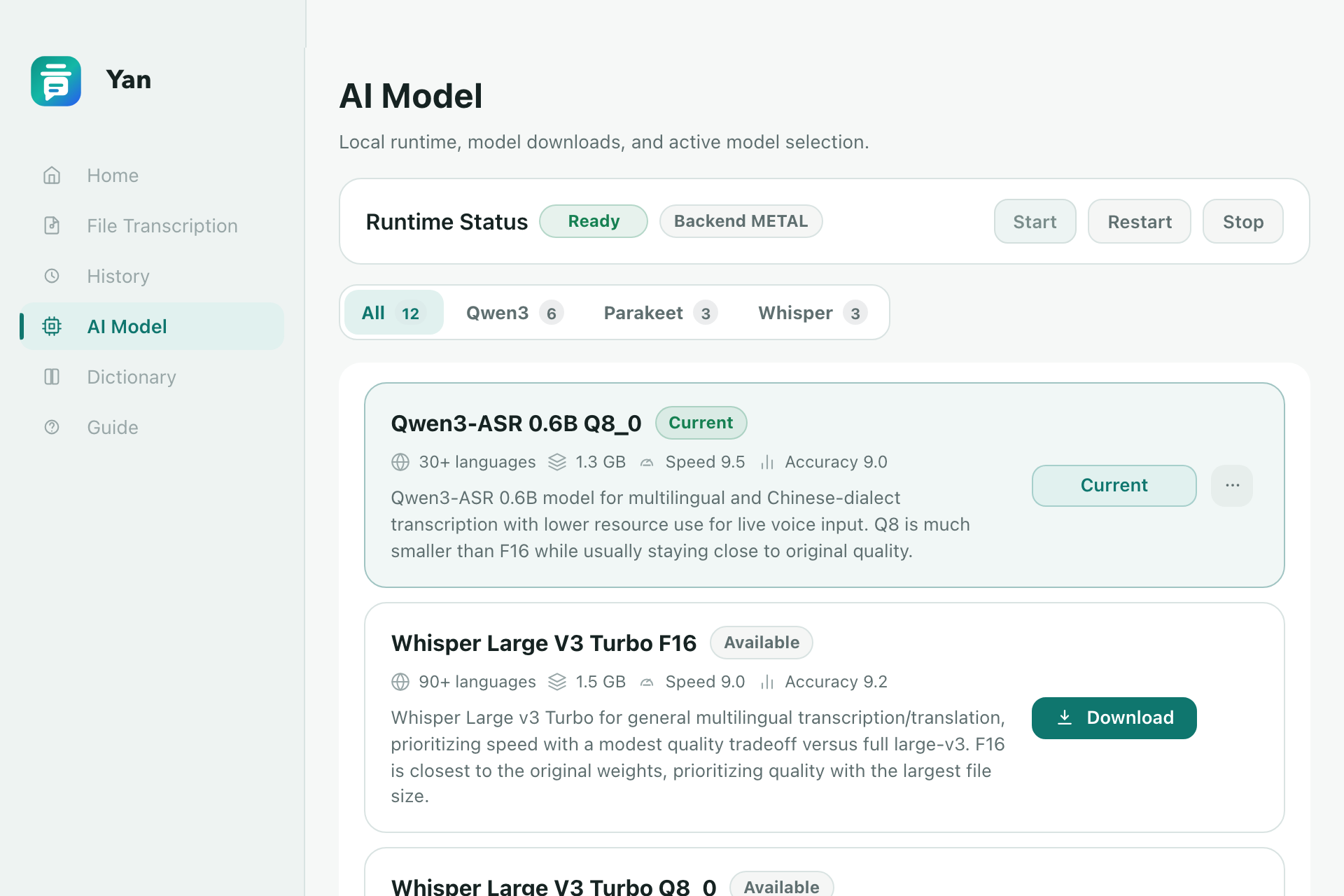
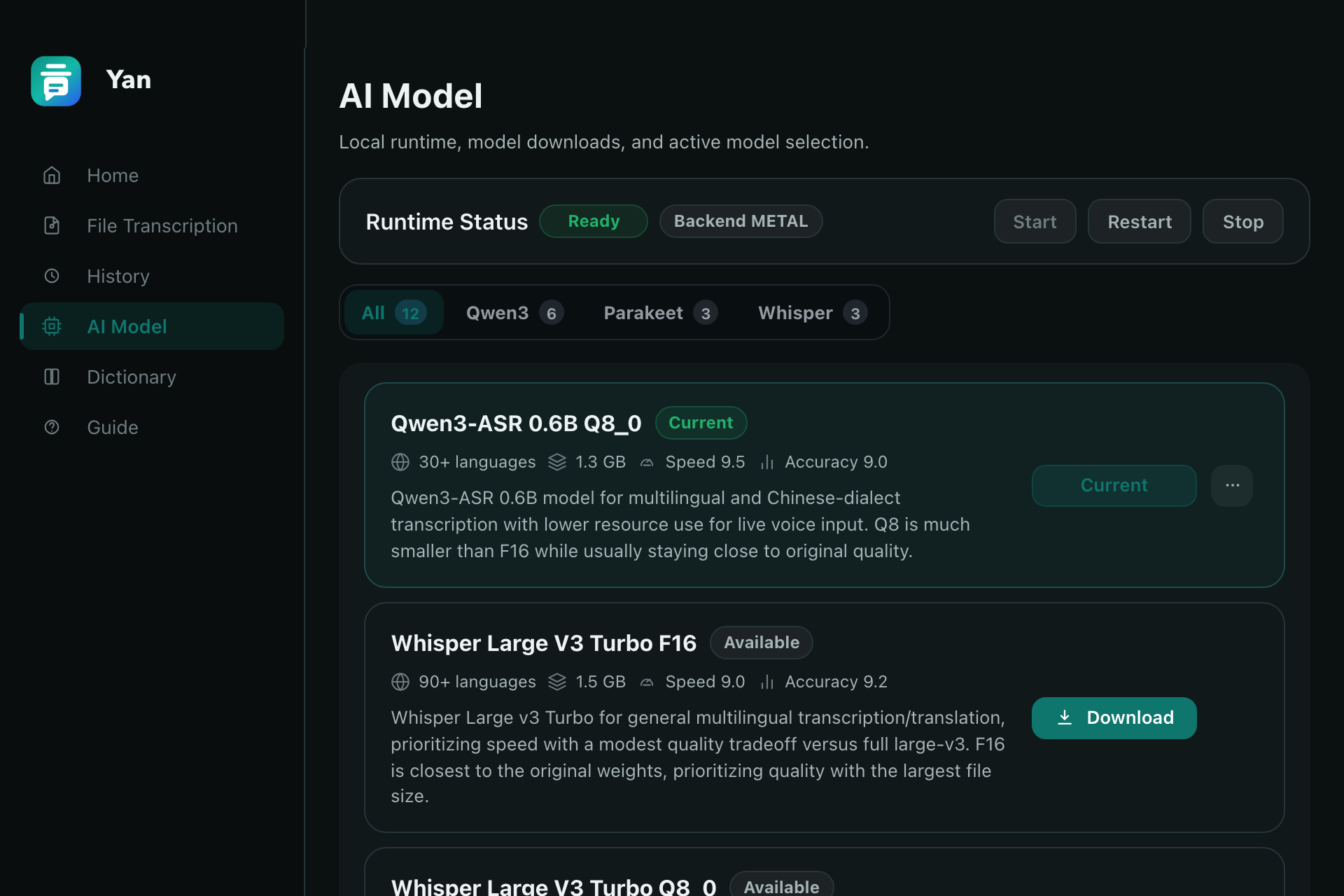
Yan supports multiple local speech models, so you can choose based on language, quality, and device performance
01 / THE MODEL
Beyond hearing words, understand what you mean
For Chinese dialects, mixed Chinese and English, varied accents, and specialized terms, next-generation speech models offer stronger language understanding; Yan lets you choose from multiple local models for different situations
02 / THE ENGINE
A powerful model should truly run on-device
Real-time streaming, hardware backend selection, and resource scheduling determine whether a large model can become an everyday input tool; Yan's inference engine turns model capability into a responsive desktop voice-input experience
CURRENT ASR LIMITS
Hearing the words is not the same as understanding expression
QWEN + YAN ENGINE · MODEL + ON-DEVICE ENGINE
The model understands the engine makes it work in real time
×A MODEL ALONE
Common Words Pass, Proper Nouns Fail
General-purpose ASR often miswrites people, brands, and domain terms
↗MODEL + YAN
Language Understanding + Terminology Correction
Qwen3-ASR jointly decodes audio and language information; dictionary rules correct specialized terms
×A MODEL ALONE
Low Latency and Stable Text Pull Apart
Partial results are revised as more speech arrives
↗MODEL + YAN
Draft First, Refine Continuously
An early decode lowers time to first text; the refiner corrects and merges stable text
×A MODEL ALONE
Mixed Languages Often Mean Manual Switching
Language-specific pipelines can switch incorrectly when one recording spans multiple languages or songs
↗MODEL + YAN
One Timeline, Multiple Languages
A full-film test continuously recognized English, Spanish, German, and English-language songs
×A MODEL ALONE
On-Device Inference Is Often Tied to CUDA
Traditional runtimes prioritize NVIDIA, leaving AMD and Intel GPUs underused
↗MODEL + YAN
Beyond CUDA, Discrete and Integrated GPUs Accelerate
Metal runs 1.7B F16 smoothly on M3, while optimized Vulkan runs 1.7B Q8 smoothly on Intel Xe integrated graphics
VOICE INTELLIGENCE, ON-DEVICE
It is more than switching models It brings next-generation speech intelligence to your desktop
From models and inference to the desktop input experience, Yan connects every step from voice to text